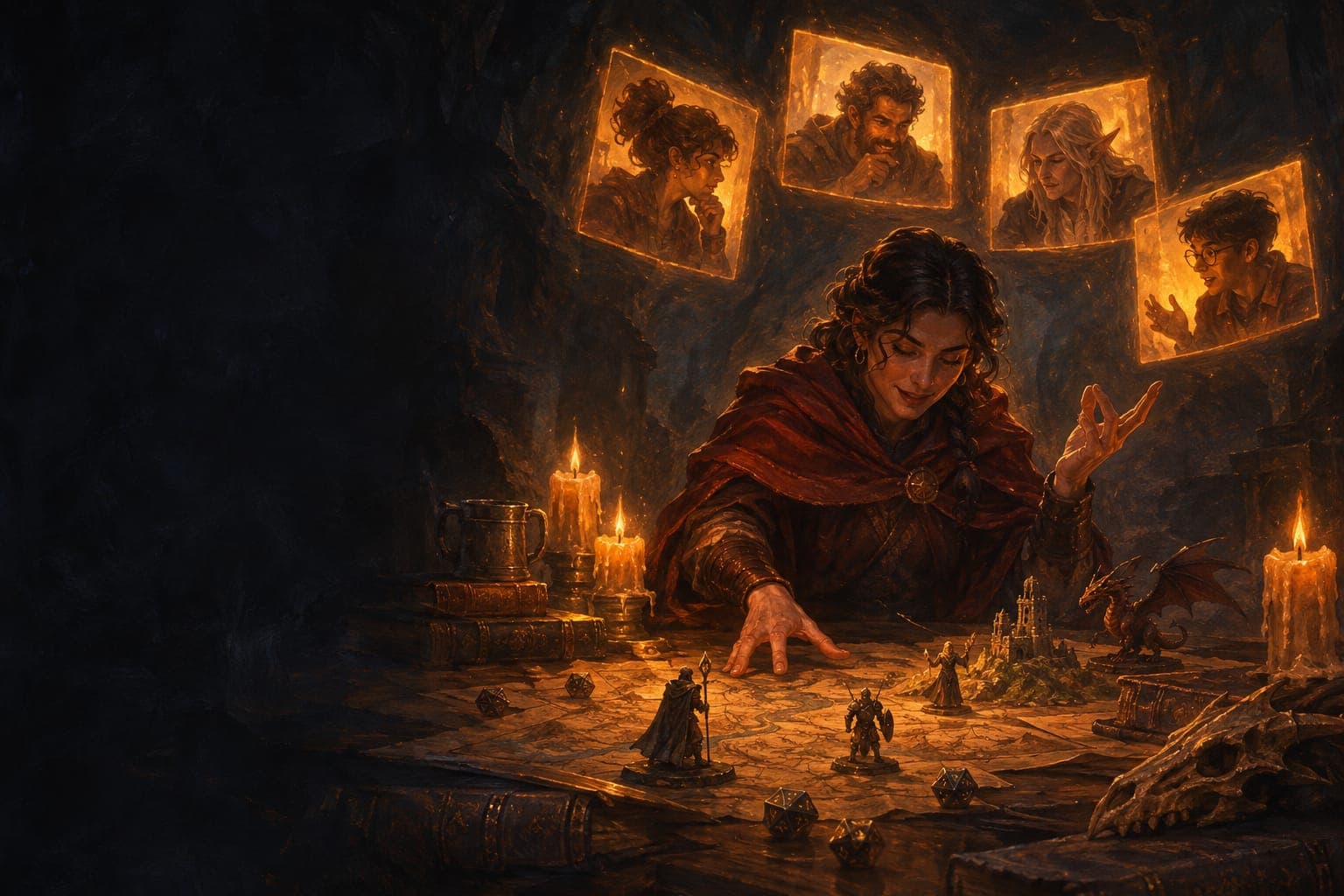
How to play a role-playing game over video call
To play a role-playing game over video call, everyone needs to see and hear each other. Someone has to run the game, and you need a way to roll dice. A normal video call is enough to start. But soon you will want a shared map and dice that everyone can see. In Role is Easy you get camera, voice, map, dice and an AI Game Master in one browser window.
Why play over video call
A tabletop role-playing game is a social game. The best part is seeing your friends' faces after a bad roll, or when someone has a crazy idea. With text only, you lose a lot of that.
With camera and voice, the game feels like a real table, even if you live in different cities.
Some groups also use a game on camera to practise a language. Read learn Spanish by playing role-playing games.
What you need
- A computer, laptop or tablet with a browser.
- A camera and a microphone. Headphones help a lot, because they stop echo.
- A stable internet connection.
- Someone to run the game: a friend or an AI Game Master.
- A way to roll dice that everyone can see.
The problems with a normal video call
Many groups start with a normal video call app. It works, but it has limits:
- There is no map. The GM has to describe where everything is, or share their screen.
- Each player rolls dice at home and says the result. Nobody else sees it.
- Character sheets are on paper or on another website.
- If you use a separate virtual tabletop, you have two or three windows open at once.
- The GM has to prepare and manage all of this, as well as the story.
Everything in one window with Role is Easy
Role is Easy puts the video call and the game table together. You see the whole group's cameras around a shared 2.5D map. The dice roll on the table, and everyone sees the result.
There are two separate voice channels. When you talk to each other, it is only table talk. When you want your character to do something, you tap the GM microphone or you type. So a joke with your friends never counts as an action.
The AI Game Master answers with voice and text. If the connection is weak, video changes to voice, and voice changes to text. You can keep playing.
To learn how the GM works, read what is an AI Game Master?.
Tips for a good game on camera
Find more tips in how to play a tabletop RPG online with friends.
- Use headphones to stop echo.
- Put your camera at eye level, with light in front of you, not behind you.
- Mute your microphone if your home is noisy.
- Make the first session short, about two hours.
- Ask quiet players what their character does. On camera it is harder to see who wants to speak.
Start today
Choose a story from the campaigns made by other players. The organiser pays for the seats, and everyone else joins with a link. Nothing to install. See pricing for the plans.
Questions and answers
Can I play over video call without a camera?
Yes. The camera is optional. You can play with voice only, or type what your character does.
Do I need to install anything?
No. Role is Easy works in the browser on a computer, laptop or tablet. Phones are not supported yet.
Does the GM listen to me all the time?
No. The AI Game Master only listens when you tap its microphone. What you say to each other does not count as an action.